🛒 ตะกร้าสินค้า

🛒
ยังไม่มีสินค้าในตะกร้า
รวมทั้งหมด ฿0

💰 กระเป๋าตังของฉัน

🔑
กรุณาเข้าสู่ระบบ
เข้าสู่ระบบ

⚙️ ตั้งค่าบัญชี

G
กดที่รูปเพื่อเปลี่ยน
ยังไม่ได้เข้าสู่ระบบ
ออกจากระบบ

🎮 คลังเกมของฉัน

📦
ยังไม่มีเกมในคลัง
เกมที่สั่งซื้อจะแสดงที่นี่

🖥️ TitanSteamHub

🖥️
TitanSteamHub
โปรแกรมจัดการบัญชี Steam ID ทั้งหมดของคุณ
เปิดเกมจาก Steam ID ที่ซื้อไว้ได้ภายในคลิกเดียว ไม่ต้องล็อกอินซ้ำ รองรับหลายบัญชีพร้อมกัน
📌 การเชื่อมต่อกับเว็บไซต์จะพร้อมใช้งานในเร็วๆ นี้

💰 เติมเงิน

ยินดีต้อนรับสู่ร้าน Titan Digital Store — ร้านขายเกมแท้ราคาถูกสุดๆ!!
0
💰 ฿0.00
ผู้เยี่ยมชม
กรุณาเข้าสู่ระบบ
👑Membership พอยท์ของฉัน
🔑เข้าสู่ระบบ สมัครสมาชิกฟรี
⏱ เช่าเกม 🎮 Steam แท้ 📅 2021

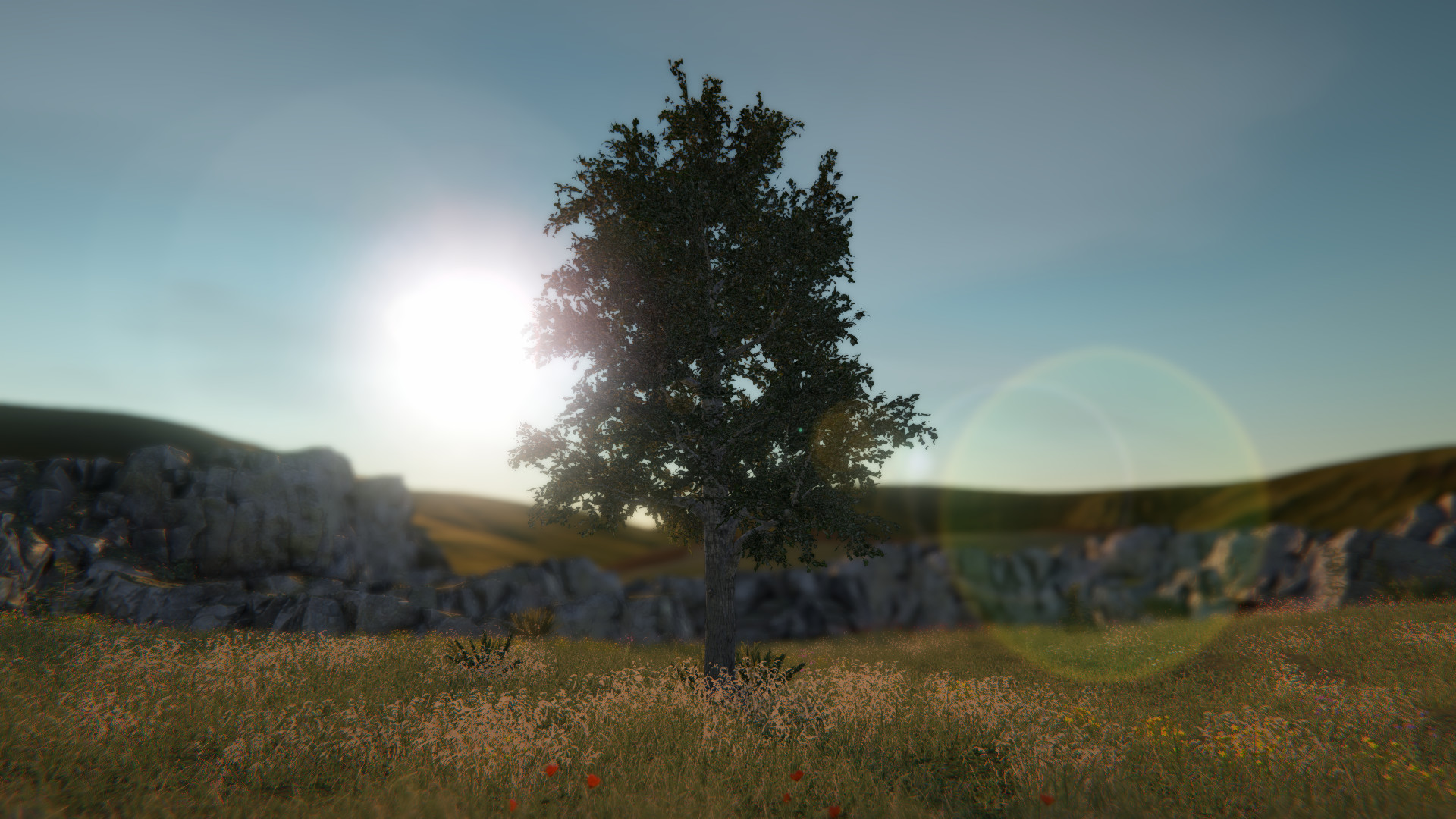
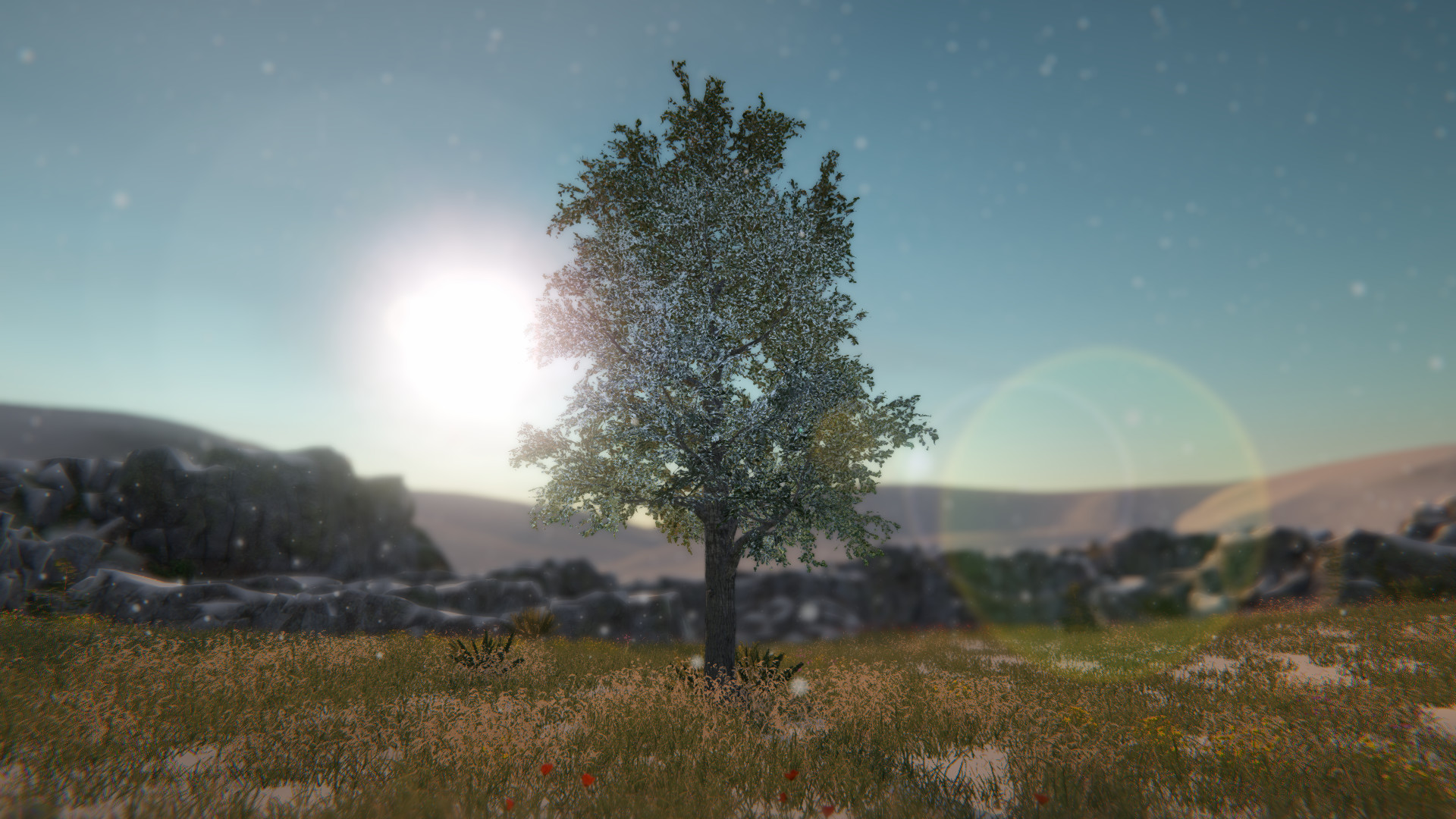
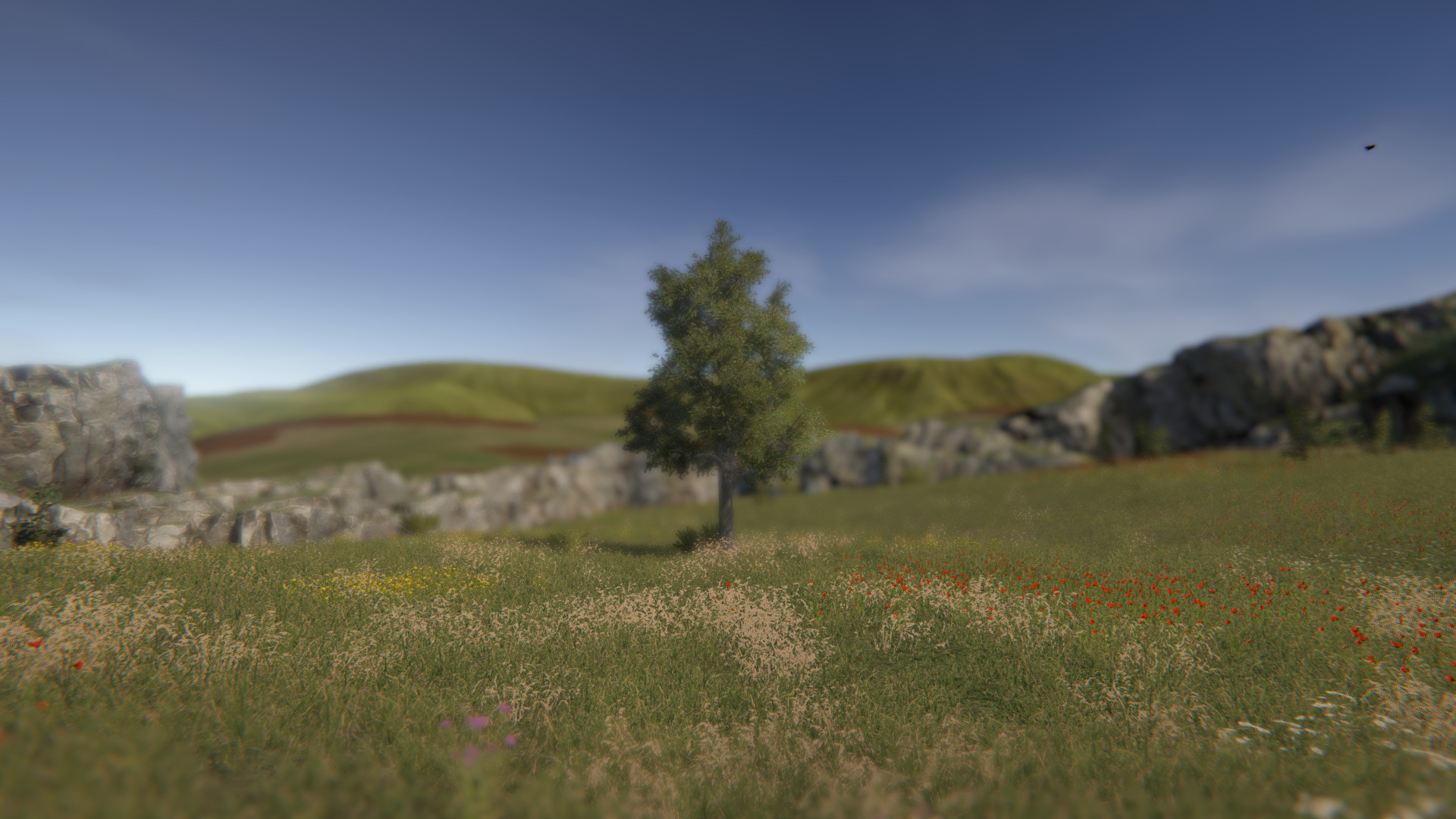
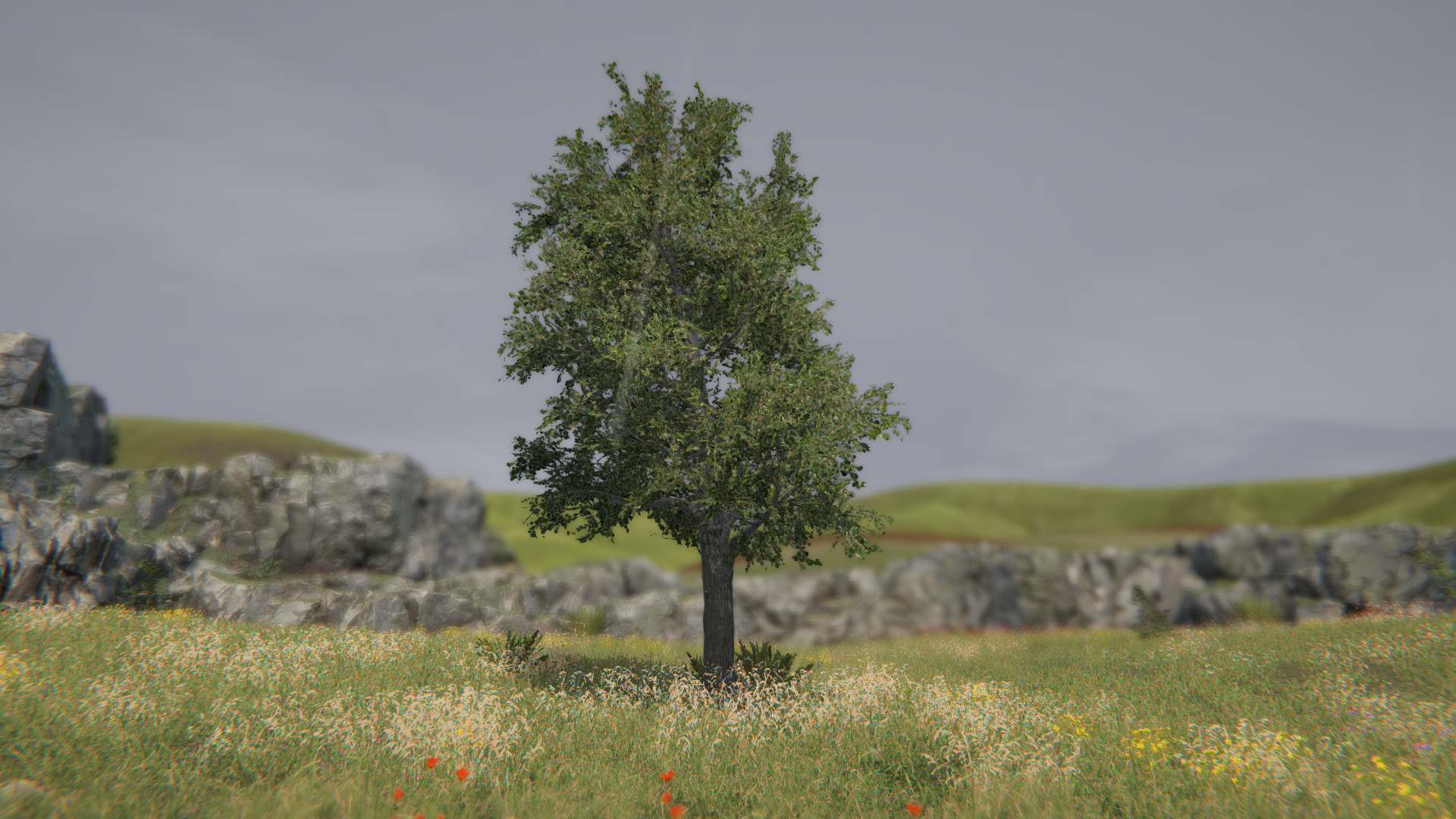
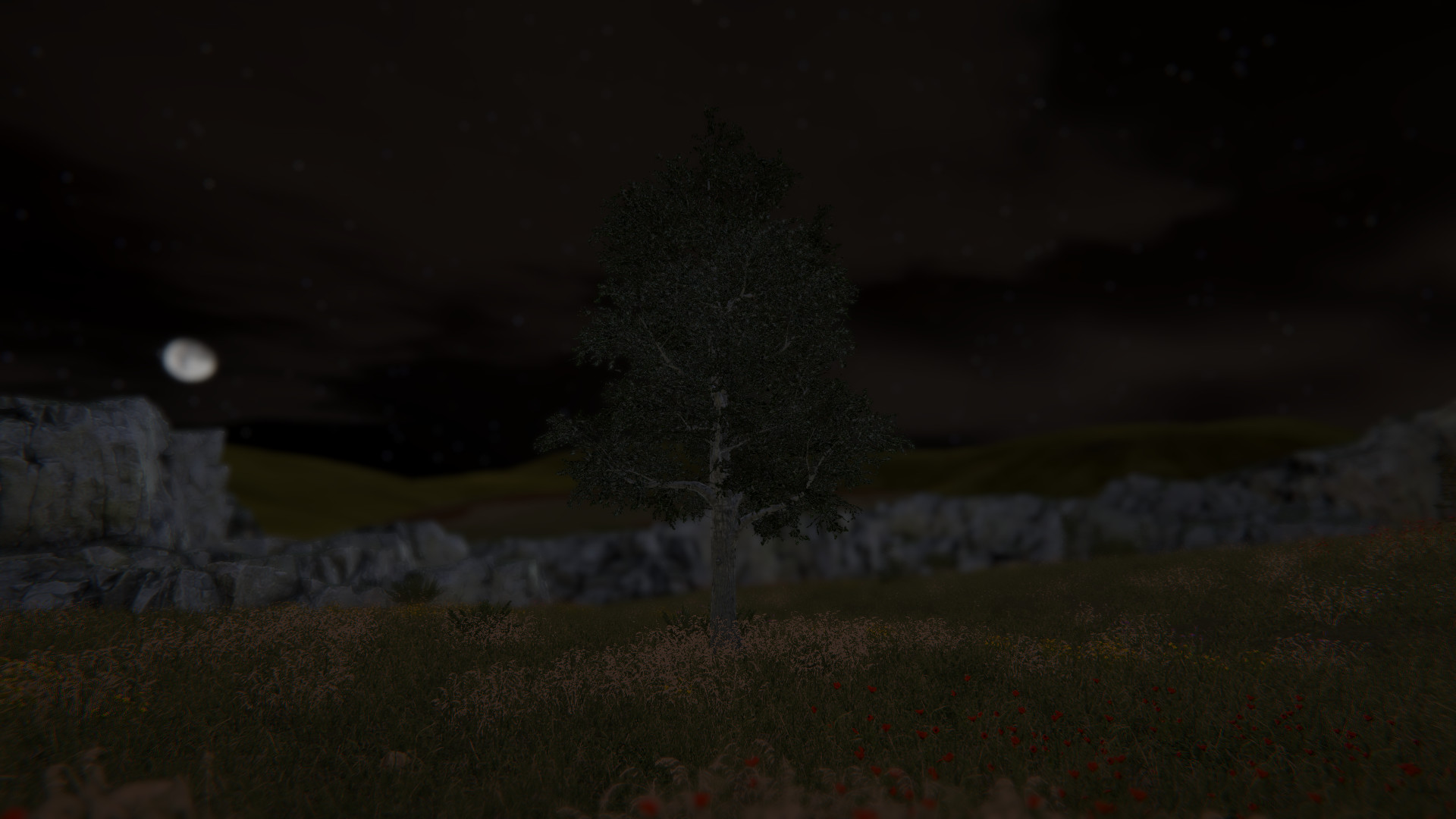
Tree Simulator 2022

📋 ข้อตกลงและเงื่อนไขการเช่า

  1. ระยะเวลาเช่าจะเริ่มนับทันทีหลังจากระบบส่ง Steam ID/Password ให้
  2. ห้ามเปลี่ยนรหัสผ่าน Steam, อีเมล, หรือ Steam Guard — ถ้าฝ่าฝืนจะถูกระงับสิทธิ์ทันที
  3. เซฟเกมแนะนำให้ใช้ Steam Cloud เพราะเซฟในเครื่องอาจหายเมื่อหมดเวลาเช่า
  4. ถ้าต้องการ Steam Guard ใหม่ สามารถกด "ขอ Guard ใหม่" ในแอปได้ตลอดเวลาเช่า
  5. ห้ามแชร์บัญชีต่อ ห้ามใช้พร้อมกันหลายเครื่อง — ระบบ auto-detect จะตัดการเข้าถึงทันที
  6. แนะนำให้เลือก Offline Mode เพื่อหลีกเลี่ยงปัญหา
  7. เมื่อหมดเวลา ระบบจะลบข้อมูลบัญชีออกจากแอปอัตโนมัติ
⚠️ สำคัญ: ทางร้านสงวนสิทธิ์ในการระงับการเช่าหากตรวจพบการละเมิด — ลูกค้าจะไม่ได้รับเงินคืนในกรณีผิดเงื่อนไข
🎯 หมวดหมู่
#Action #Adventure #Casual #Indie #simulation
🎮 โหมดเล่น
#Co-op #multi-player #online-co-op #Single Player

เกี่ยวกับเกมนี้

Tree! You're a tree! Be the best tree you can be. Embrace the forest and discover what it means to truly be a tree. A true work of art.

Enjoy customizable settings and more (what could that mean?)!

Now with multiplayer!

Be the best forest you can be! Invite up to 100 of your closest trees to join your forest.

For transparency, multiplayer is tested with 4 trees, but it should support up to 100.

Trees 5 and 6 are rocks. Trees 1-4 and 7-100 are normal trees.

There is no built in text or voice chat. It is recommended that Discord or Steam chat be used.

Multiplayer steps

  1. Host tree presses [Esc] on the keyboard
  2. Host tree clicks "Invite trees"
  3. Host tree uses invite dialog to invite other trees
  4. Other trees start Tree Simulator 2022
  5. Other trees press [Shift]+[Tab] to activate the Steam overlay
  6. Other trees click "Play Game" in the Steam chat window

Note: "Invite to game" and "Join game" from the Steam overlay will only work after a host tree clicks "Invite trees" from the in game menu.

Controls

A D: Rotate view
W S: Zoom
Escape: Menu / Settings